CIST2531 Photoshop Chapter 1
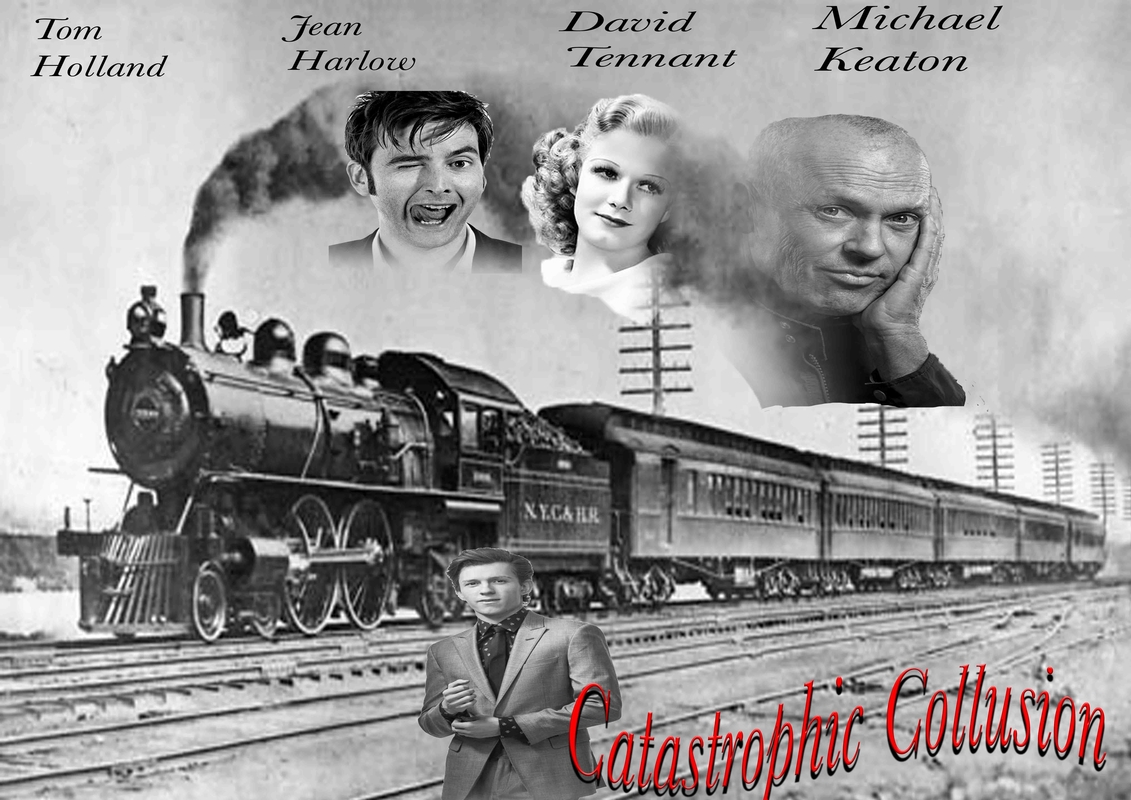 final |
 Used Magic eraser tool to erase background and magnetic lasso tool to get rid off the excess white background. Used Black and white adjustment to give off a grayscale. |
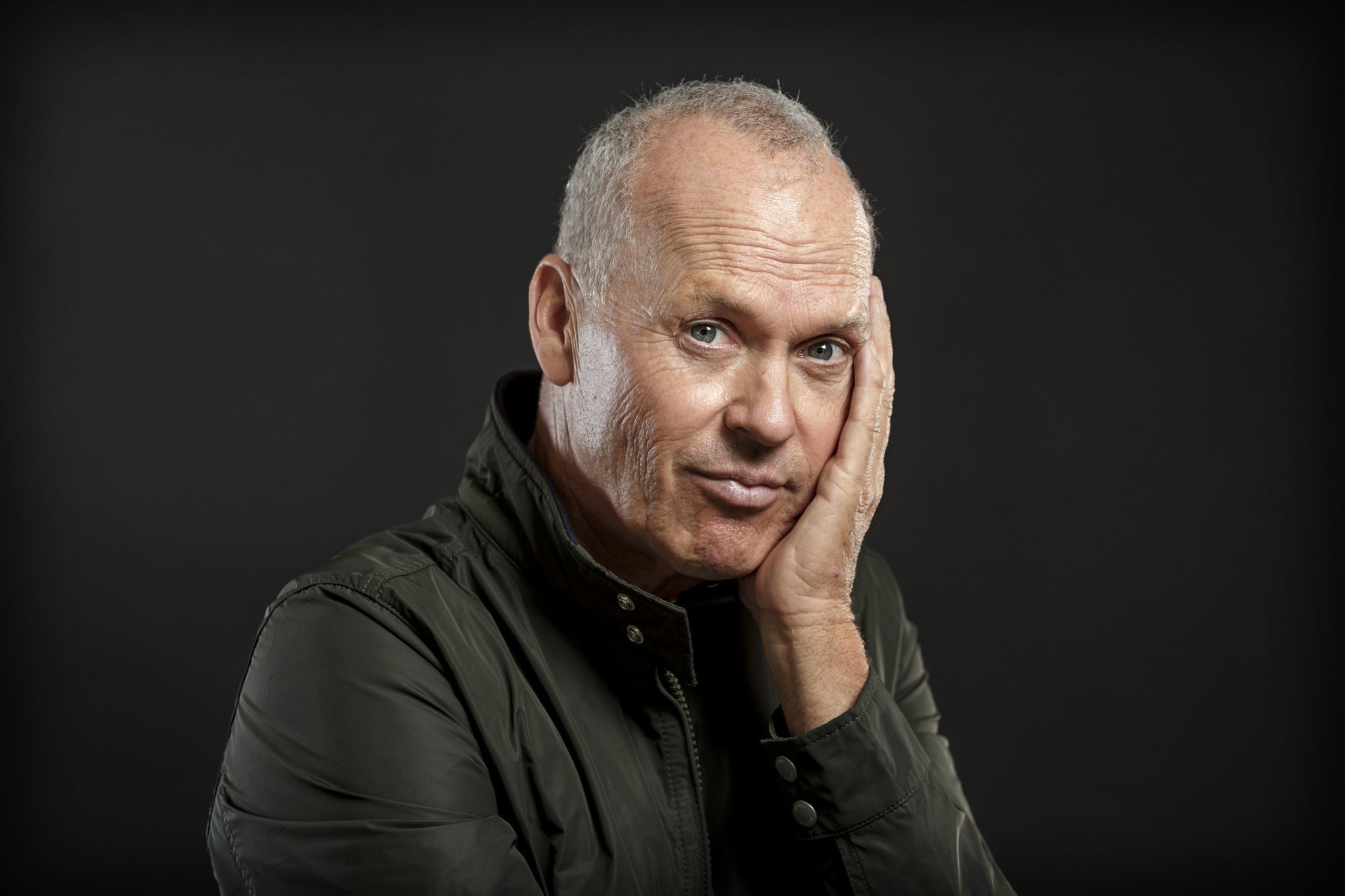
1.) Quick Selection tool |
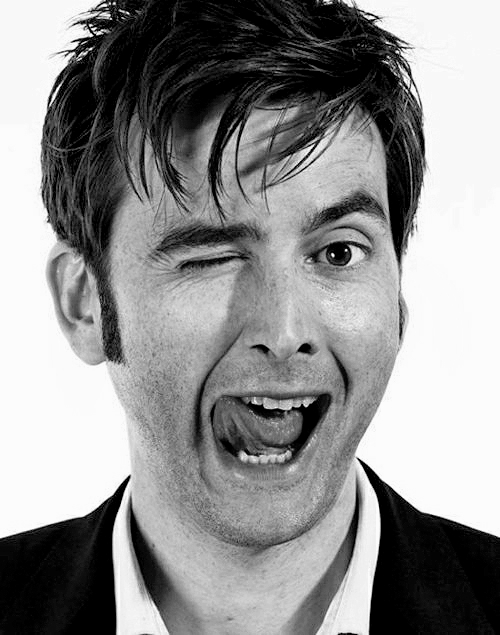 I used magic eraser tool to get rid of the white background and moved him to the poster. |
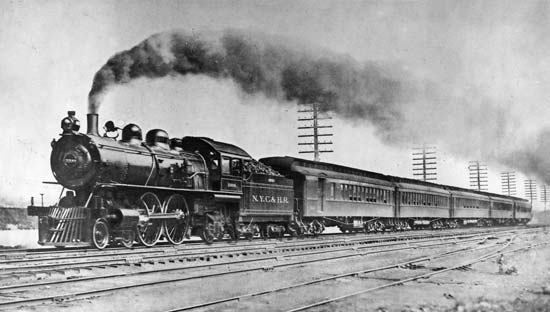 |
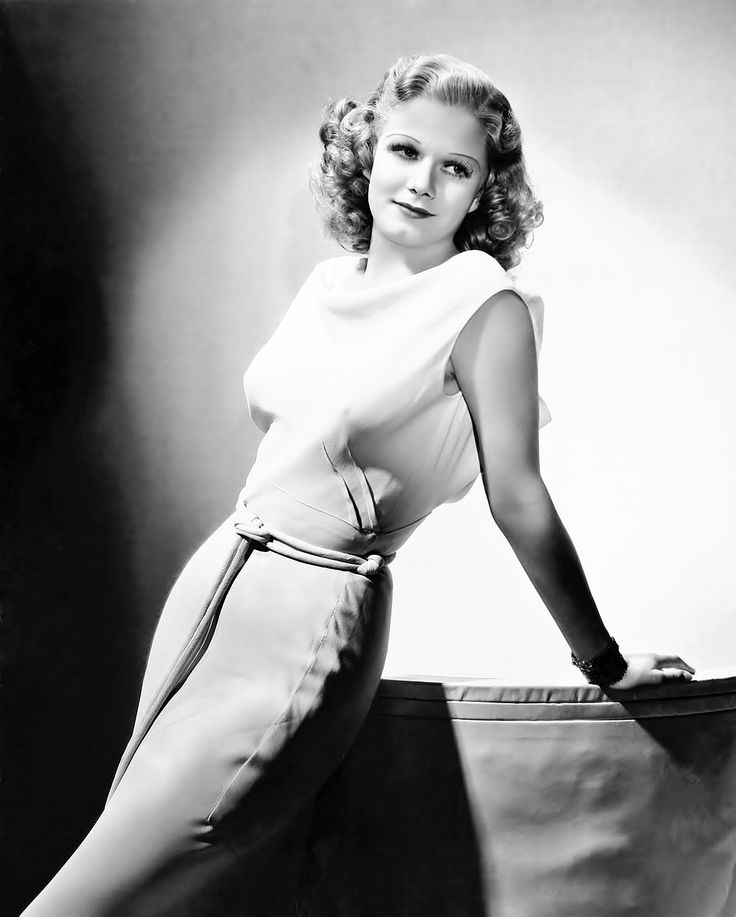 Used quick selection tool to select the upper half to the shoulders. Used linear gradient on layer mask ot give a fade effect. |